GET PAID FOR THE SMALL STUFF.
Every extra outlet, trim run, and return trip has a price. Capture it before it disappears into the original job.
Built for small residential contractors
Capture the request while you’re standing on the job. Price it, send it, and get approval before the work starts.

The simple jobsite solution
HABLA EN ESPAÑOL.
SEND IT IN ENGLISH.
Record the client conversation, add your notes and photos, and review what we build. No complicated forms. No new software to learn.
The value
Small changes are still real labor, real materials, and real money. EZChangeOrder helps you turn what happened in the field into what gets approved and paid.
Every extra outlet, trim run, and return trip has a price. Capture it before it disappears into the original job.
Put the scope, price, and timing in front of the client or GC while the request is still fresh.
When billing day comes, you are not searching texts or arguing from memory. The field record is already there.
Turn jobsite details into a draft before they become more office work after dinner.
MORE CAPTURED WORK.FASTER DECISIONS.FEWER PAYMENT ARGUMENTS.LESS ADMIN.
Capture it all. We organize it.

Record the conversation with permission, add your own field notes, and take as many photos as you need.
EZChangeOrder organizes everything into a clear scope, exclusions, price, and schedule impact.
Make any edits, then send the client their portal to ask questions and approve in writing.
Clear for you. Clear for them.
Every change order opens in a simple client portal with the reason for the change, scope, exclusions, photos, price, schedule impact, questions, and approval. The client does not need to download an app.

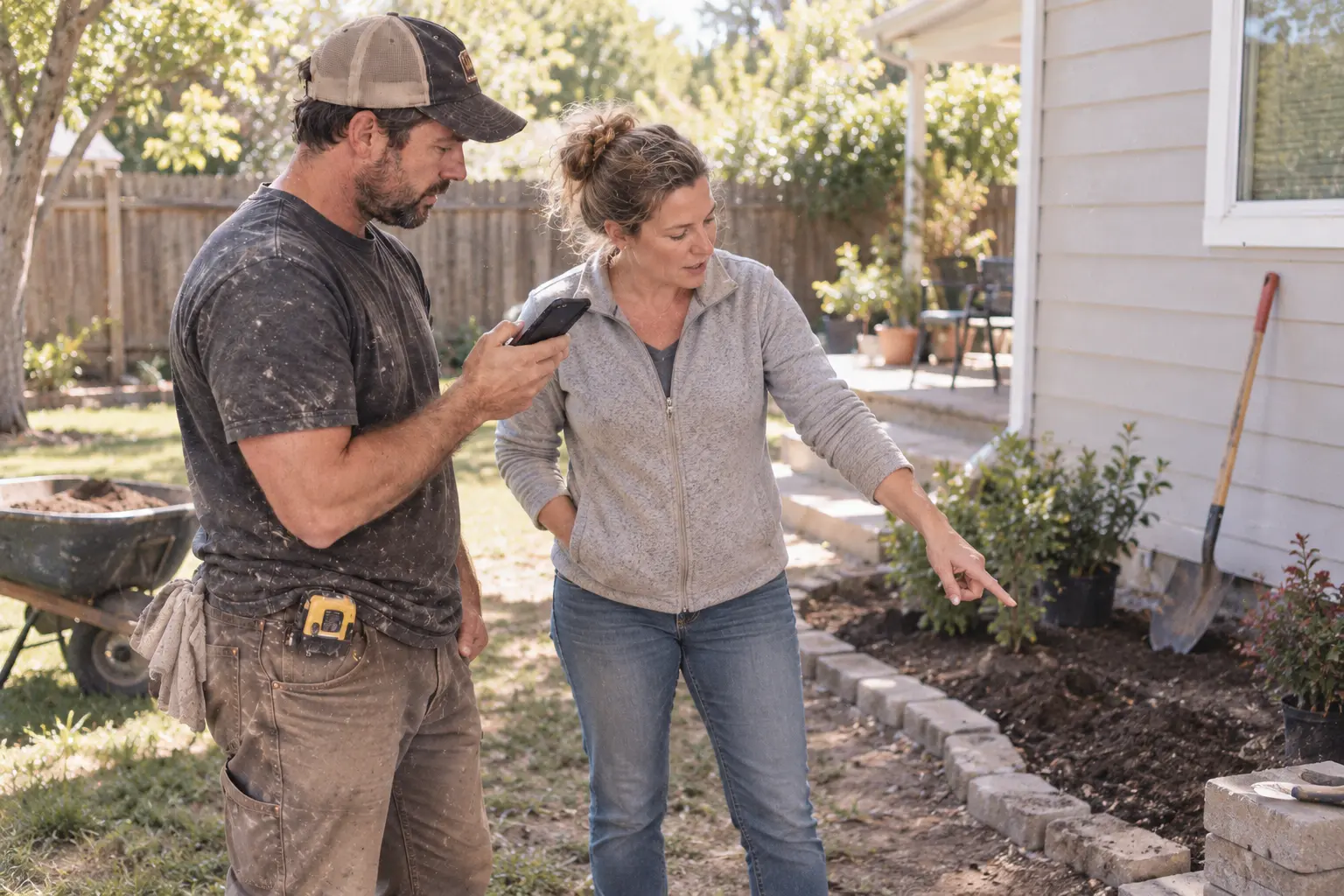
The request happens on site
The homeowner points to one more thing. Record it, add a note and photos, and keep the whole request together before you leave.
“Can you move this bed over and add pavers here?”
Small requests add up
Big changes get documented because they are impossible to miss. Lost revenue hides in the quick requests that feel too small to record, then quietly turn into hours or days of extra work.
“While you’re here…”
16 HOURS
Built for subcontractors, too
The GC asks for a reroute after rough-in. Capture the direction before drywall covers the work, then send the change order for approval.
“Do it now. We’ll sort out the change order later.”That is where payment gets delayed or denied.

Work in your native language
Explain the change the way you naturally speak. EZChangeOrder creates a clear English draft for your client, without making you translate the jobsite conversation yourself.
“La tubería está en medio. Hay que moverla antes de cerrar la pared.”
Move the plumbing line before closing the wall. This work is outside the original scope.
See it happen
Capture every “while you’re here,” before the small asks add up.
Speak naturally. Send your client clear English.
Your client reviews the scope, photos, price, and approval in one place.
Your change-order tool goes where you go
Bring the entire field record with you: the client conversation, your notes, and every useful photo. EZChangeOrder is designed for quick, one-handed use on real residential jobsites.
DOWNLOAD ON THEApp Store Create your account →Free to start. On the App Store for iPhone and iPad.

Straight answers
Yes. With permission where required, you can capture the client conversation, then add your own notes and photos before reviewing the draft.
Yes. Add photos of the condition, the requested change, or anything else your client should see.
No. They receive a simple client page where they can review the change, ask a question, and approve.
Never leave a change unaccounted for
We turn the field conversation, your notes, and your photos into a change order ready to send.
Create your account